Policy at the network resolver path
Compatible infrastructure can direct participating LAN clients through one network endpoint instead of configuring a separate DoH app on every stationary device.
A router or local forwarder can send LAN DNS through QueryWarden when it accepts a complete custom DNS-over-HTTPS URL. Networks without that capability can evaluate QueryWarden Relay, an unsigned Linux technical preview that requires a maintained host and deliberate local deployment.
Router firmware differs substantially. QueryWarden therefore treats direct router support as conditional, while Relay provides a credential-bound local forwarding option for an operator prepared to maintain a supported Linux host.
Each capability below reflects the current public product, with beta and compatibility limits called out separately.
Compatible infrastructure can direct participating LAN clients through one network endpoint instead of configuring a separate DoH app on every stationary device.
The beta Relay uses a credential-bound enrollment and local DNS listener where the router itself cannot accept a private custom-DoH URL.
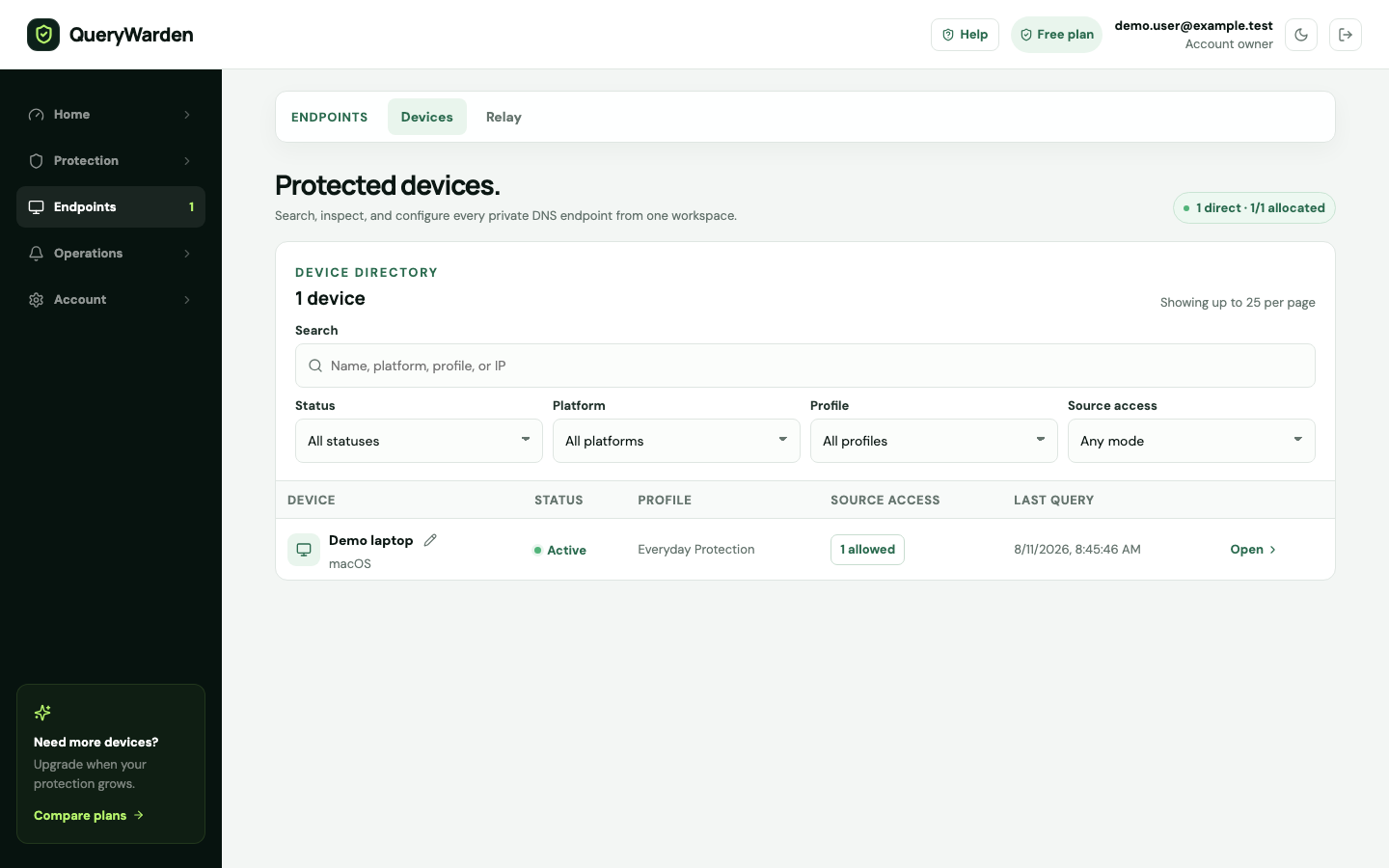
Fresh endpoint or Relay activity can be checked on one controlled LAN client before DHCP or router settings affect the wider network.
The network endpoint can receive its intended filtering, schedule, custom-rule, and privacy policy without reusing a personal endpoint broadly.
A router deployment protects only clients whose DNS requests actually follow that path. Use a direct custom-DoH configuration when the router accepts the full private URL; otherwise evaluate the unsigned Linux Relay beta on a maintained local host.
 Open full-size screenshot
 Uses resolver settings supplied by the network and has not selected a bypassing resolver.
The router sends the full private DoH URL directly, or a maintained Linux Relay receives local DNS first.
Authorizes the deployment and selects its protection and privacy profile.
The answer returns along the configured path; roaming devices need their own compatible setup away from this network.
| Check | Why it matters | QueryWarden decision |
|---|---|---|
| Complete custom DoH URL field | A plain DNS IP or provider-hostname field cannot carry the private HTTPS endpoint. | Use direct router setup only when the entire URL is accepted. |
| LAN DNS distribution | DHCP and IPv6 router advertisements can send different resolver settings. | Verify both IPv4 and IPv6 clients after the change. |
| Client overrides and VPNs | Applications, operating systems, or tunnels can choose another resolver. | Treat bypass control as a network responsibility, not a QueryWarden guarantee. |
| Failure and rollback behavior | Some routers silently fall back to an alternate resolver. | Test resolver failure and preserve a documented rollback path. |
| Maintained Linux host | Relay needs a supported local host, updates, logs, and operational ownership. | Use Relay only with its beta and unsigned status understood. |
QueryWarden applies policy at the recursive DNS layer, before a supported client connects to the requested domain.
Confirm whether the firmware accepts a complete custom DoH URL; a nameserver IP or DNS-over-TLS hostname field is not equivalent.
Prefer the documented direct path when supported. Choose Relay only when a maintained supported Linux host and beta operating boundary are acceptable.
Do not reuse a private personal-device URL across an unmanaged LAN; give the network a deliberate identity and profile.
Confirm fresh traffic and the expected failure mode before changing the wider network or treating every connected device as covered.
Coverage depends on the actual DNS path chosen by each client and the operational state of the router, forwarder, or beta Relay.
Published and reviewed by QueryWarden Engineering, Digiport OÜ. First-party review against the current public QueryWarden product, its documented deployment constraints, and the primary sources listed on this page. This is not an independent audit, certification, approval, or endorsement.
Product screenshots are deterministic captures of the current interface using synthetic accounts, devices, and reserved .test domains. External sources explain protocols and industry guidance; they do not verify QueryWarden implementation claims.
Last reviewed . Product availability can change; dashboard capability labels remain the source of truth. Review our Security & Trust disclosure.These primary sources support the general technical context. Citing them does not mean their publishers evaluated, approved, or endorsed QueryWarden.
No. Direct setup requires a field documented to accept a complete custom DNS-over-HTTPS URL. Routers limited to DNS IP addresses, fixed providers, or DNS-over-TLS hostnames cannot use the private URL directly.
Relay is an unsigned Linux beta that enrolls as a credential-bound network endpoint and forwards local DNS through QueryWarden. It requires a maintained supported host and careful listener, router, or DHCP configuration.
No. The network policy applies only while traffic uses that configured network path. QueryWarden does not currently provide a public native roaming client for protection away from it.
Review router compatibility or the Relay beta, create a dedicated endpoint, and confirm one controlled client first.