Prepare the safe path
- Use a trusted browser session.
- Account deletion is destructive and cannot be used while the account holds service-administrator or organization-owner responsibility.
1 Review notification preferences
Choose the available security and product email preferences, then save. Operational or legally required messages may have different delivery rules from optional updates.
2 Review active sessions
Inspect device/browser description, network information when provided, creation time, last use, and whether the row represents the current session. Revoke other sessions after losing a device or completing a sensitive change.
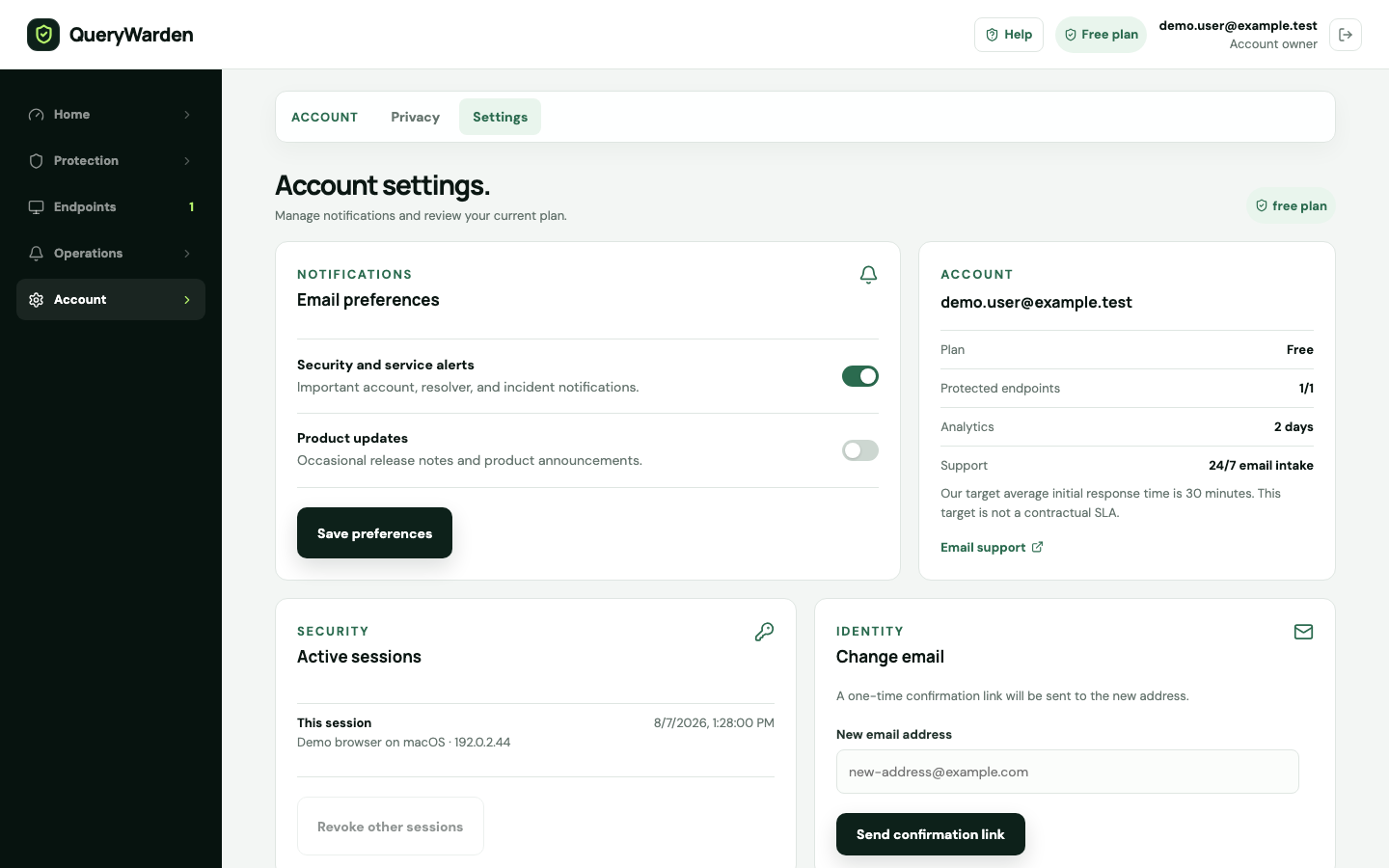
Account settings centralize session security, identity changes, exports, and account deletion. 3 Change the account email
Enter the new address and submit the request. Open the confirmation delivered to that address. The account identity should not change until the secure verification completes.
4 Export your data
Download the account export from Your data. Treat the file as sensitive because it can contain account configuration and retained DNS information allowed by the current privacy settings.
5 Delete only after reviewing responsibilities
Enter the exact account email to confirm deletion. Transfer organization ownership or internal administrative responsibility first when the dashboard reports that deletion is not eligible.
Confirm the result
The account retains only intended sessions and identity settings, and sensitive export or deletion actions require deliberate confirmation.
Protect the account while you work
- Store exports encrypted and delete copies when no longer required.
- QueryWarden support should not request a session cookie, complete sign-in link, private endpoint, or unredacted export.
When the expected result does not appear
A session cannot be recognized.
Revoke other sessions and sign in again on trusted devices. Network addresses and browser labels can change, so use several details together.
The email change is pending.
Open the newest confirmation sent to the new address and check spam or quarantine. Do not start multiple overlapping changes.
Deletion is blocked.
Transfer or close organization-owner and service-administrator responsibilities before retrying. This safeguard prevents orphaned control.