Prepare the safe path
- Use an inbox you control and can access from the same device or a trusted device.
- Do not forward verification or sign-in links. Anyone who can use a still-valid link may be able to open the intended session.
1 Create the account
Open Start free, choose the available Free plan, and enter the email address that will own the account. QueryWarden does not request a card for Free and does not create a password.
2 Open the newest secure email
Use the complete link from the newest QueryWarden message. A link can be incomplete, expired, already consumed, or replaced by a newer request. If the verification screen reports that the link is incomplete, return to Sign in and request a fresh message.
3 Continue to the dashboard
Confirm the action on the QueryWarden verification page. A successful signup marks the email as verified and opens the dashboard. A normal sign-in opens the existing account without changing its settings.
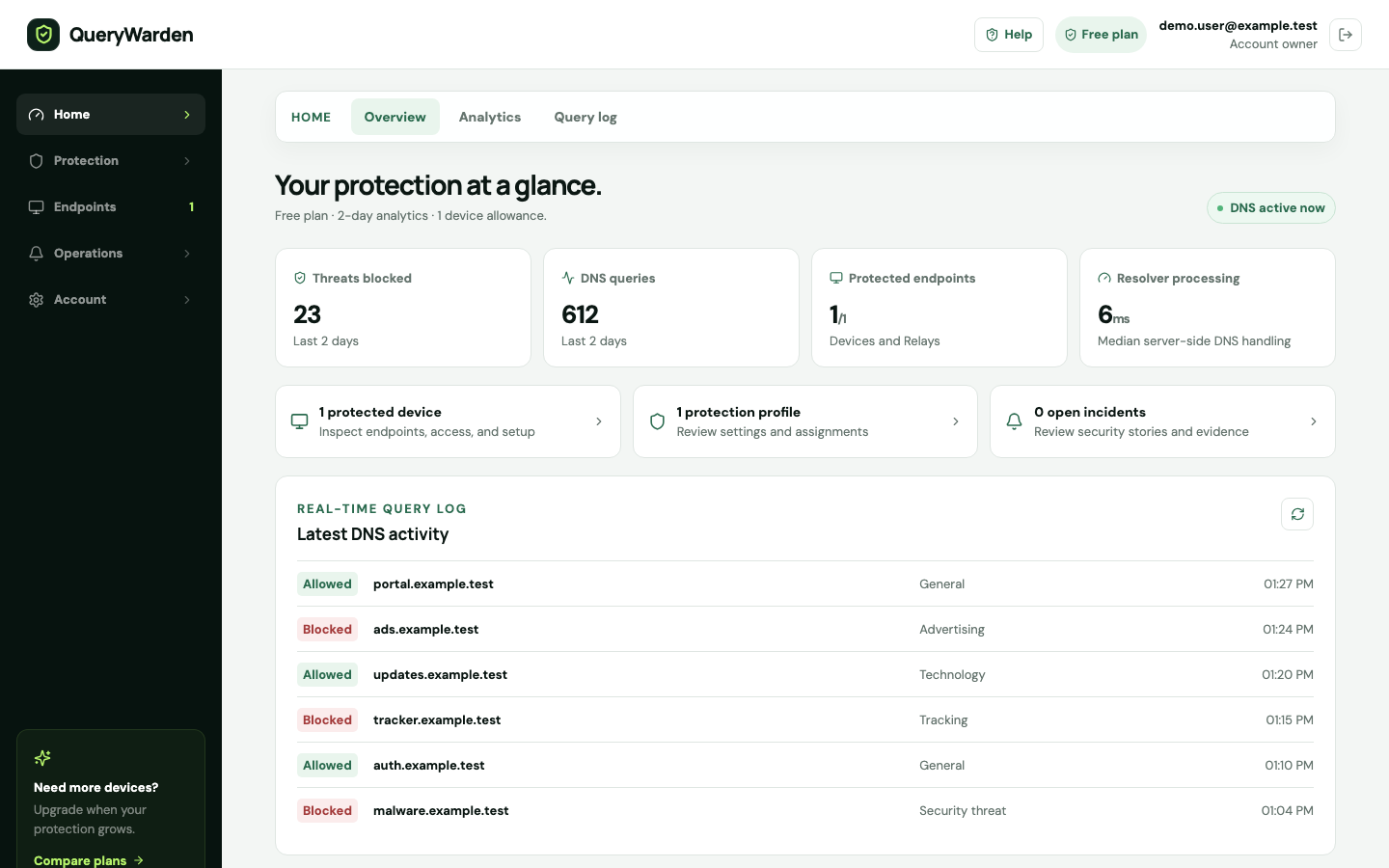
The Overview workspace summarizes setup progress, endpoint state, and recent protected activity. 4 End the session when appropriate
Use Sign out on shared computers. You can also review active sessions in Account settings and revoke other sessions if a device is no longer trusted.
Confirm the result
The dashboard shows the verified account and the plan state without asking for an account password.
Protect the account while you work
- QueryWarden support will not ask you to send a sign-in link or session cookie.
- Requesting several links can make an older message invalid. Prefer the most recent message.
When the expected result does not appear
The email did not arrive.
Check spam and quarantine, confirm the address was typed correctly, wait briefly, and request one new link. Repeated rapid requests can make it harder to identify the newest message.
The page says the session expired.
Return to Sign in and request a new link. The expired browser state does not change DNS policy or delete the account.
The link opens on another device.
Complete it only on a device you trust. Afterward, review active sessions and revoke any session you do not recognize.