Prepare the safe path
- Do not post the endpoint in a screenshot or support message.
- Keep the selected device and its intended client available while testing.
1 Confirm the intended endpoint and device
Open Devices and select the correct entry. Verify the platform, profile, and setup instructions match the client being tested.
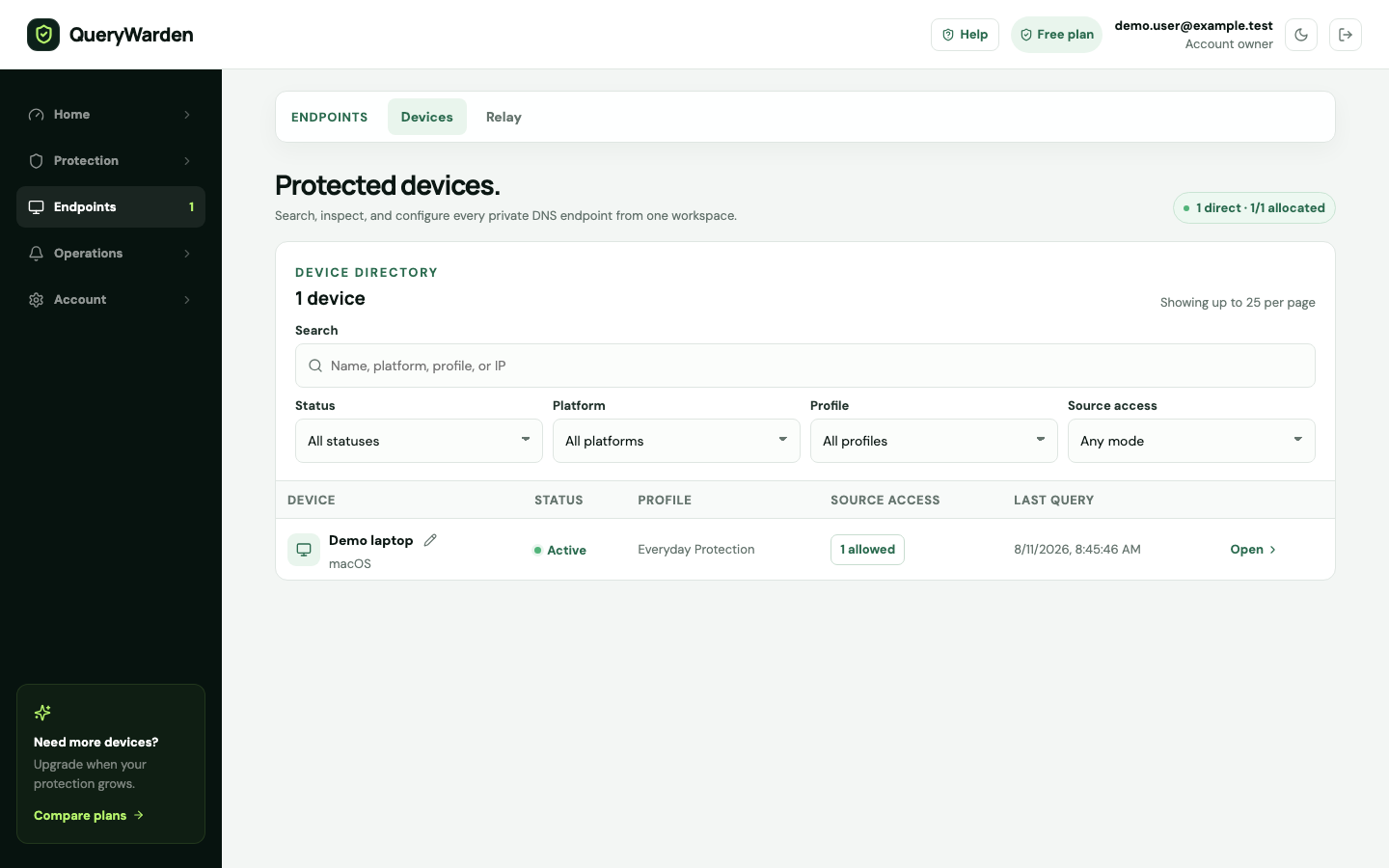
Use the Devices workspace to add, filter, inspect, reassign, rotate, or remove private endpoints. 2 Start a fresh traffic check
Choose Start traffic check before generating the request. Use a domain that is unlikely to be in the browser, operating-system, router, or local resolver cache.
3 Check client fallback
Many clients silently return to the system resolver when custom encrypted DNS fails. Review the client status and documentation instead of assuming successful browsing proves QueryWarden is in use.
4 Check source-IP access
If restricted access is enabled, compare the current visible public source with the approved list. VPN, ISP, carrier, and office egress changes can invalidate an older entry.
5 Check privacy and filters
An anonymized or disabled logging mode can hide hostname rows. Clear Query log search/result filters and read the Privacy Receipt.
Confirm the result
A fresh request is attributed to the selected endpoint, or the investigation identifies the client, authorization, cache, or privacy boundary preventing visibility.
Protect the account while you work
- Send support the approximate timestamp, platform, error text, and sanitized endpoint suffix only when requested.
- Do not weaken source-IP controls permanently merely to make one test pass.
When the expected result does not appear
Browsing succeeds but verification fails.
The client is likely using cache or fallback. Generate a new lookup and inspect the active DNS provider.
Activity appears under another device.
The wrong private endpoint may be installed. Correct the client and rotate any endpoint copied unintentionally.
Only domains are missing.
Review the profile logging mode. Aggregate activity can exist without retained hostnames.