Prepare the safe path
- Identify whether the device uses a stable public IP. Mobile, residential, and roaming connections can change frequently.
- Keep a trusted dashboard session available while changing access, so an incorrect rule can be corrected.
1 Open Source access for the selected device
In Devices, select the endpoint and choose Source access. The dialog shows the current access mode, the observed source address when available, and configured entries.
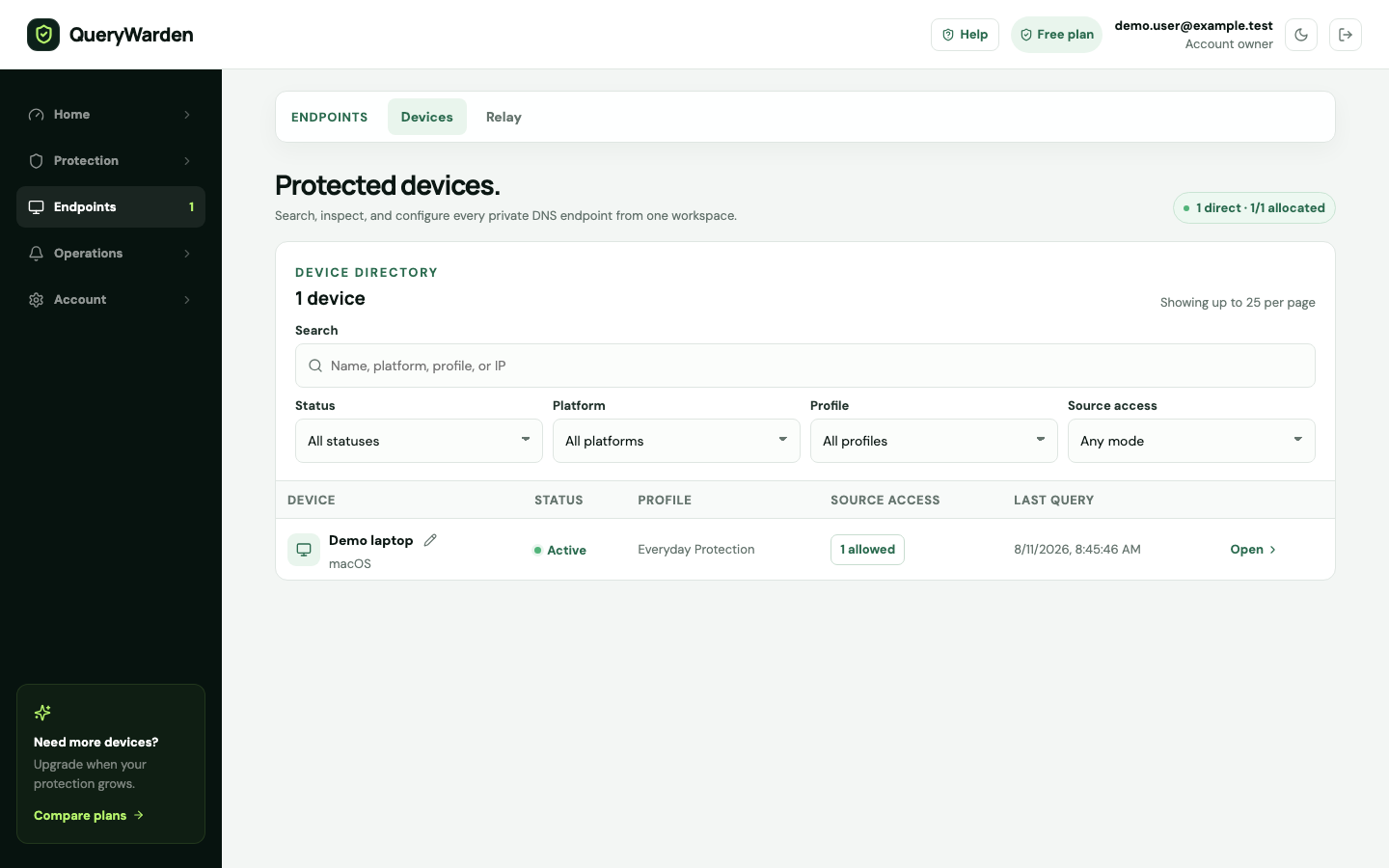
Use the Devices workspace to add, filter, inspect, reassign, rotate, or remove private endpoints. 2 Choose restricted access deliberately
Use Any IP for roaming scenarios that cannot maintain an address list. Use restricted access only when you can identify the approved public address or CIDR network.
3 Add the current or intended network
Enter a valid public IP address or supported network range. Documentation examples should use reserved addresses such as `192.0.2.44`; do not copy that example into a real rule.
4 Save and test before leaving
Generate a fresh DNS request from the device. If it stops resolving, restore the correct current public IP or temporarily return the endpoint to Any IP while investigating.
Confirm the result
The selected endpoint answers authorized sources and rejects requests from sources outside the configured list.
Protect the account while you work
- Source-IP access reduces exposure but does not make it safe to publish the endpoint.
- A VPN, carrier NAT, office egress change, or ISP reconnect can change the visible public address.
When the expected result does not appear
The endpoint suddenly returns not authorized.
Compare the device’s current public IP with the allowed entries. Update the list from a trusted dashboard session.
Several devices share one address.
This is normal behind NAT. Decide whether the shared egress network is an acceptable access boundary.
IPv6 and IPv4 behave differently.
The client may reach QueryWarden over either family. Add only the required valid addresses or networks after confirming the actual source.